Designing user interfaces (UI) and user experiences (UX) is not just creative work – it’s also a process that requires considering many factors, from user psychology to understanding business goals. Unfortunately, even the most experienced designers can make mistakes that negatively affect the final product. That’s why it’s useful to look at some common UX/UI design pitfalls and learn how to avoid them.
Designing overly complicated solutions
One of the most common mistakes designers make is creating an interface that is too complicated. Designers often try to include too many features on one page, with lots of animations, transitions, and unusual fonts. This makes the interface confusing and hard to use. Overloading a UI with too many features, elements, or pieces of information can overwhelm users and make navigation difficult. It can also create challenges for developers.

Even though designers can create great ideas for visual effects, sometimes implementing them is challenging. Developers must balance fulfilling creative visions with technical feasibility. Avoid making the interface too complicated by keeping it simple and intuitive. Sometimes, less is more.
Ignoring research and designing for “yourself”
One of the biggest mistakes is designing based on assumptions or personal intuition, without doing user research. Remember, your website or app is not always for yourself, your friends, or your neighbors. When creating a site, you need to consider the expectations of the people who will actually use it. Not understanding the needs and preferences of your target audience can lead to ineffective solutions, which can hurt the product’s success on the market. The solution is to conduct user research at every stage of the design process, using methods like usability testing, surveys, or data analysis.
Neglecting accessibility
Accessibility is a key part of UX/UI design. Ignoring accessibility means failing to consider the needs of people with different disabilities or other user groups, which can prevent them from using digital products. Accessibility ensures that people with limitations — such as vision, hearing, or mobility issues — can use interfaces and content just like anyone else.
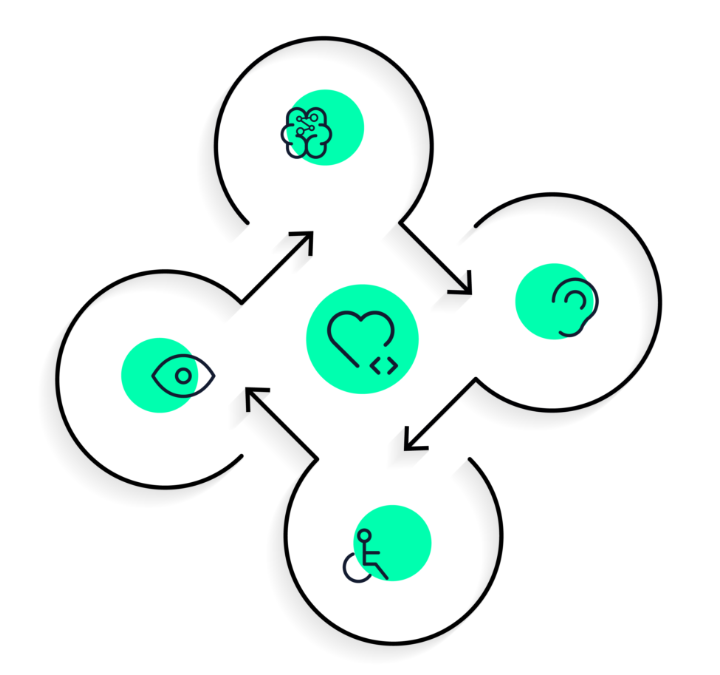
To make sure interfaces and content are accessible to everyone, it’s important to design according to accessibility principles, such as WCAG guidelines, and to test with diverse groups of users who have different limitations.
Not optimizing for different devices
Not optimizing for different devices is another serious UX/UI mistake that can greatly affect the user experience. Today, users access the internet and apps from a variety of devices, such as smartphones, tablets, laptops, and desktop computers. It’s important to provide a consistent and satisfying experience across all devices. Lack of responsiveness can cause frustration and problems with navigation, poor readability, or difficulty interacting with the interface. Users may stop using the product, which can lead to lost customers and future revenue.
Lack of consistency in design
An inconsistent interface is a problem for both new and experienced users. It’s easy to overlook small elements that create consistency. But what does a consistent interface really mean? A consistent interface has elements that work together harmoniously. There is uniformity in their design, and together they form a cohesive system rather than a random set of components. Lack of consistency can confuse users, making navigation through a website or app difficult.
Designers should maintain consistency throughout the project by using uniform styles, colors, typography, icons, and interaction patterns. This ensures users have a coherent and intuitive experience, which contributes to the product’s success in the market.
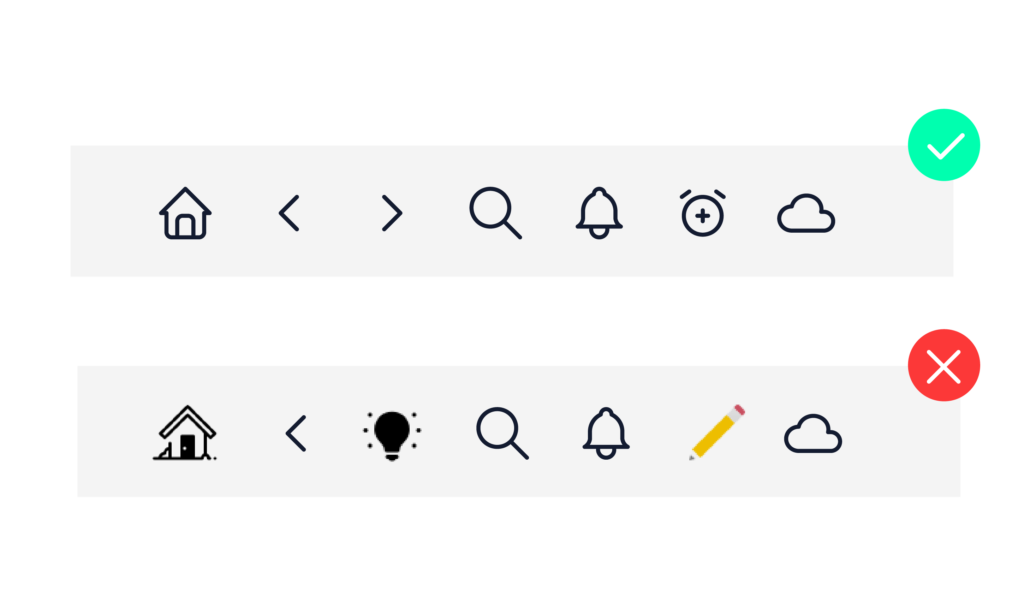
An excellent source of inspiration for interface design is design systems. One of the most well-known systems is Google’s Material Design. It is a comprehensive set of visual guidelines for how apps and websites should be built.
Summary
When designing, there are many pitfalls that can negatively affect the user experience and product effectiveness. By avoiding these mistakes and focusing on good UX/UI design practices, designers can create products that are more usable, accessible, and satisfying for users. Continuously improving and considering user needs at every stage of the design process will contribute to the project’s success and increase user satisfaction and loyalty.
