Designing UX/UI requires creativity, precision, and teamwork. Luckily, there are many tools on the market that make this process easier, help with organizing work, and shorten the time needed to create intuitive and good-looking interfaces. Here are 4 popular tools that support the work of every UX/UI designer:
1. Figma
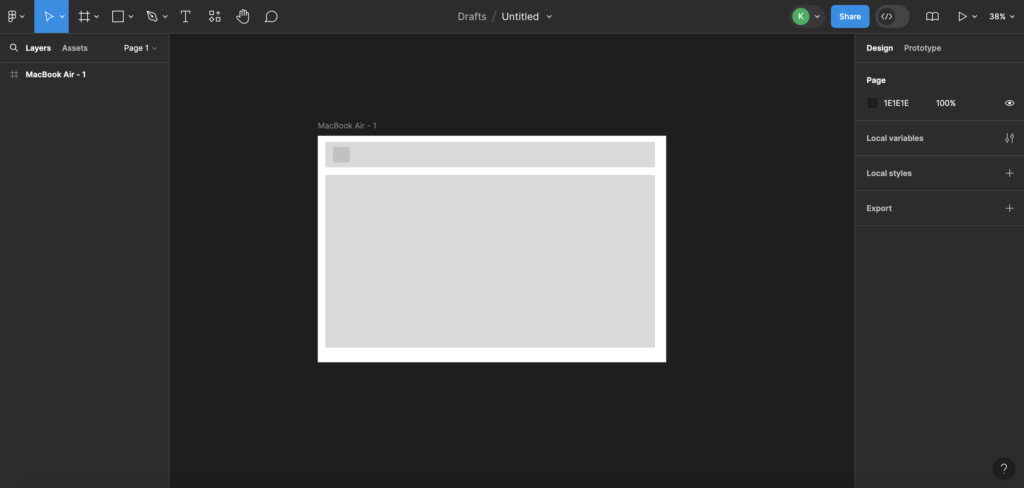
Figma is a modern tool for designing user interfaces and creating prototypes. It works in the cloud. With Figma, designers can create visuals, prototypes, and interactive mockups for apps and websites. One of its main advantages is real-time teamwork – several people can edit the same project at the same time and share results instantly. Figma also offers many useful design tools, such as grids, components, and styles, which help create consistent and scalable designs. Thanks to plugins and API integrations, Figma is a flexible tool that supports the entire UX/UI design process.
Advantages and features of Figma:
- Figma is available on Windows, macOS, Linux, and also on mobile devices with Android and iOS.
- The tool works well with other project-management apps like Jira, Trello, and Slack.
- Figma offers many resources and templates, including icon libraries and ready-made layouts that make the design process easier.
2. Adobe XD
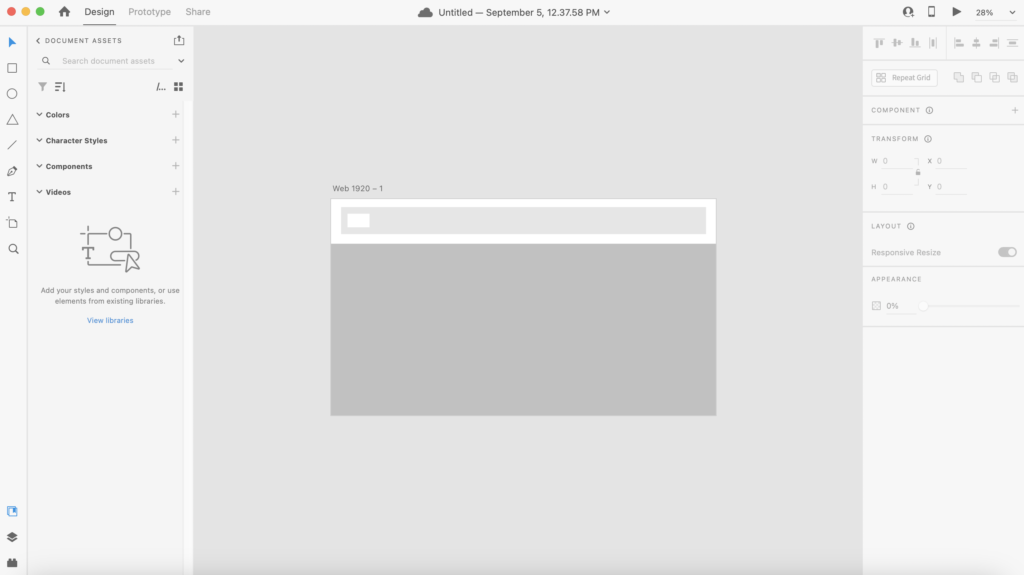
Adobe XD is a versatile tool for designing user interfaces and creating prototypes, developed by Adobe. It allows designers to build both static screens and interactive prototypes that can be easily tested on different devices. Adobe XD integrates with other Adobe apps, making it easy to move between design and editing. Features like auto-adjusting layouts and project sharing help teams work together smoothly and speed up the creation of intuitive and attractive interfaces.
Advantages and features of Adobe XD:
- Integrates with Adobe Creative Cloud (including Photoshop and Illustrator)
- Simple and easy to use
- Works on Windows and macOS systems
3. Miro
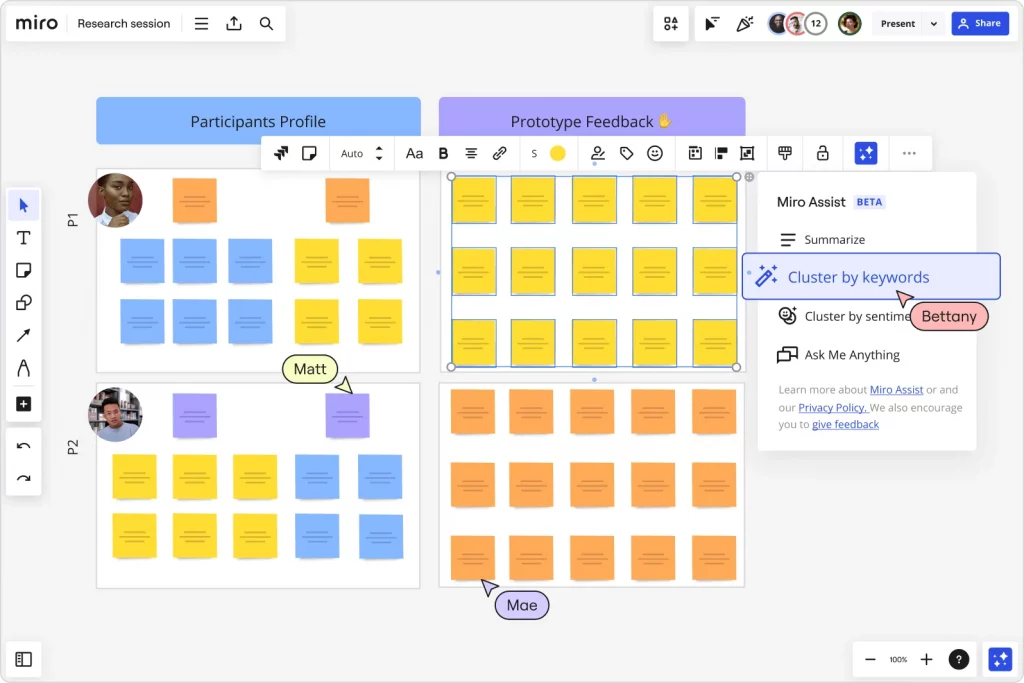
Miro is a visual collaboration tool that is especially useful in the UX/UI design process. It allows design teams to work together on interactive boards, which helps them develop ideas and prototypes more effectively. With Miro, designers can easily map user journeys, create personas, plan app structure, and run brainstorming sessions in real time. The tool offers many templates and features, such as sticky notes, diagrams, and flowcharts, which support the design process and help visualize ideas. Miro also integrates with popular project-management and design tools, making project coordination and team communication smoother.
Advantages of Miro:
- Work and create ideas with your team in real time
- Integrated with tools like Sketch, Figma, and Adobe XD
- Add notes directly on the board, collect quick feedback, and share insights from user testing
4. InVision
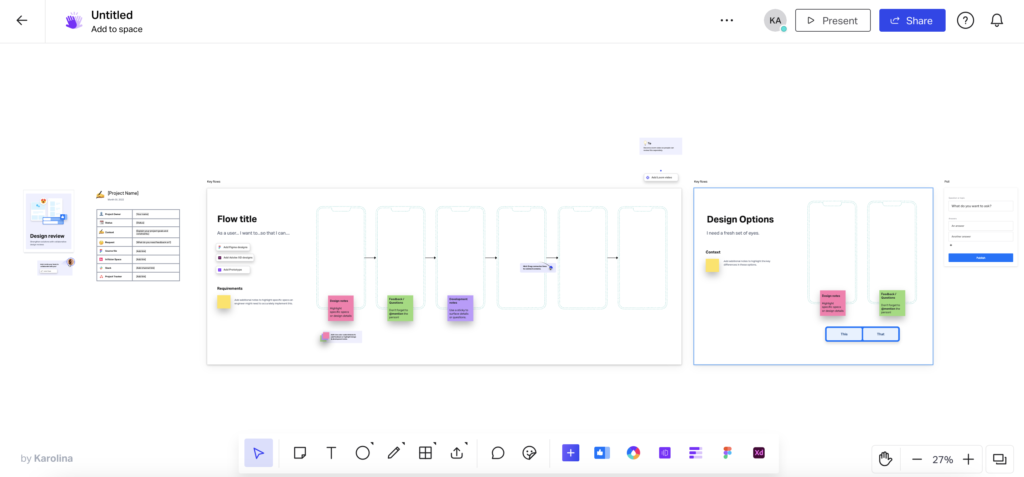
InVision is a platform that supports UX/UI design by allowing designers to create interactive prototypes and collaborate with their team. The tool makes it possible to turn static designs into dynamic prototypes with animations and transitions, which helps test and improve the user experience before development begins. InVision also makes it easy to collect feedback from stakeholders and clients, letting them add comments directly to the prototypes. Additionally, integrations with popular design tools like Sketch and Figma, as well as features such as syncing and version control, make InVision a versatile solution that supports the whole UX/UI design process.
Advantages of InVision:
- InVision integrates with design tools like Sketch, Figma, and Adobe XD, making it easy to move projects between tools and improving teamwork.
- With sharing and prototyping features, InVision makes user testing simple, allowing teams to gather quick feedback and improve designs faster.
- InVision lets you create dynamic prototypes with animations and transitions, making it possible to test interactions and user experiences realistically before development starts.
Summary
Using the right UX/UI design tools makes work much easier, improves teamwork, and shortens the time needed to complete a project. Figma, Adobe XD, Miro, and InVision are just a few of the many available options, but every designer should know them because they offer essential features that speed up the creation of modern and intuitive user interfaces.
