Designing websites can be difficult, especially when many designers and developers work on the same product. In this situation, Design Systems become an important tool – they are sets of rules, patterns, components, and tools that help design teams work better.In this post, I will explain what design systems are, what benefits they bring, and how they can improve the design process.
1. What is a Design System?
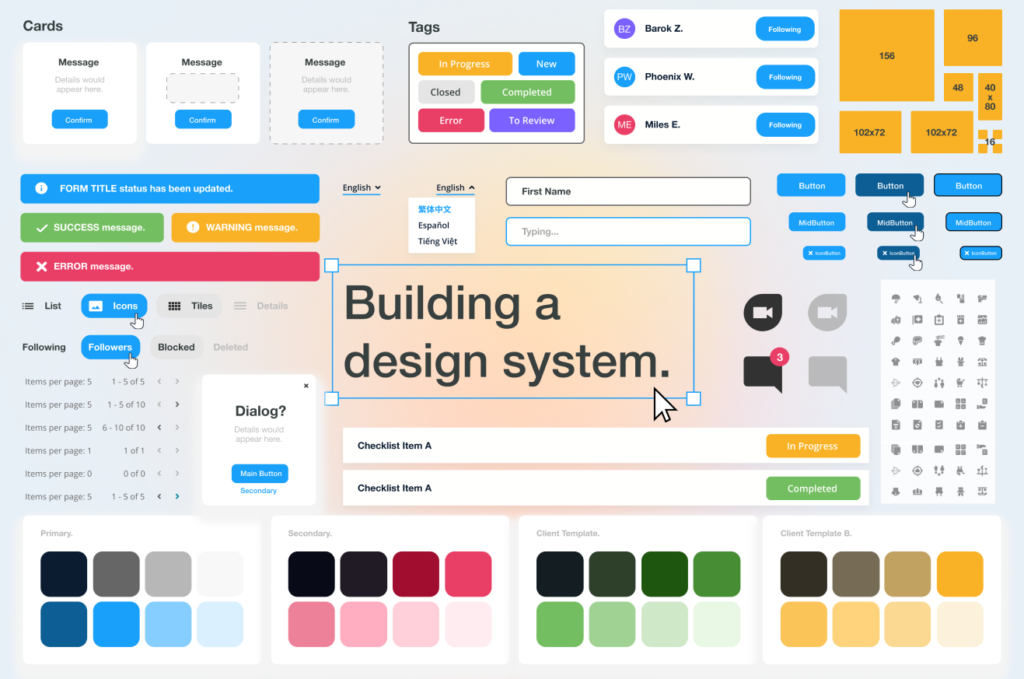
A Design System is more than just a library of graphic elements. It is a complete collection of guidelines that define:
- Visual styles – colors, typography, icons, illustrations.
- UI components – ready-made user interface elements like buttons, forms, cards, navigation.
- Interaction behavior – how elements react to user actions, such as hover effects or active states.
- Coding guidelines – best practices, coding standards, and front-end architecture rules.
- Design principles – rules for layouts, spacing, grids, and general UX principles such as accessibility and responsiveness.
A well-built Design System allows teams to create digital products faster and more consistently, without having to “reinvent the wheel” for every project.
2. Why it is worth using Design Systems
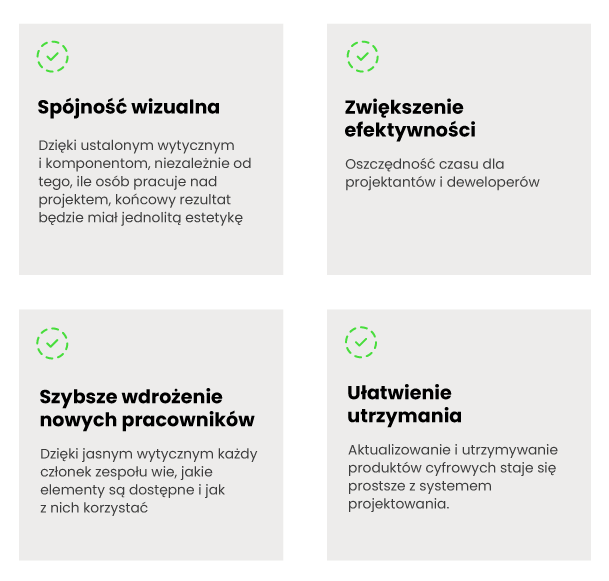
The main advantage of a design system is that it connects a consistent visual language with technical documentation. This helps developers, managers, designers, copywriters, and other specialists who create the customer experience.
Other benefits of having a design system in a company include:
3. How to create your own Design System
- Identify the main interface elements – Look at your existing projects and see which elements appear most often.
- Create basic styles – Define colors, typography, and spacing rules that will become the foundation for every component.
- Document the process – Every part of the system should be clearly described and easy to understand for all team members.
- Usability testing – Check if the designed elements are effective and easy to use.
- Implement the system gradually – You don’t need to build a full system right away. Start with core components and expand over time.
4. Examples of popular Design Systems
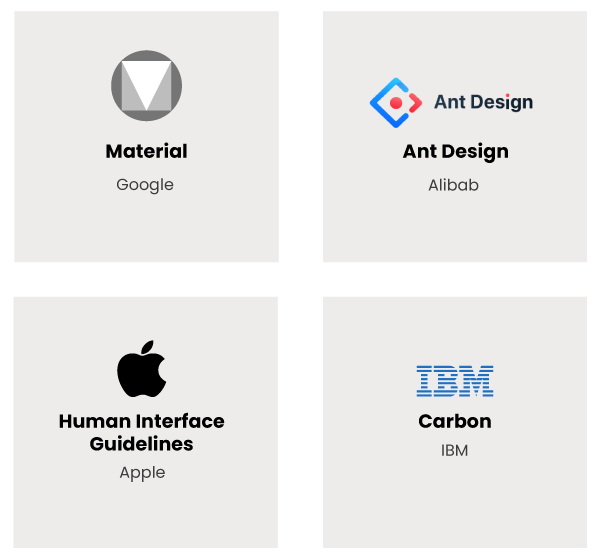
- Material Design by Google – One of the most well-known design systems in the world, offering detailed guidelines and components for building user interfaces.
- Ant Design by Alibaba – Another popular design system with a large and complex component library.
- Carbon Design System by IBM – Known for simplicity, clarity, and strong focus on accessibility, creating clean and functional designs.
- Human Interface Guidelines (HIG) by Apple – A set of rules for designing interfaces for Apple devices, known for intuitive and minimalistic solutions.
These examples show the variety and richness of existing design systems, which can serve as inspiration when creating your own.
Summary
In summary, Design Systems are powerful tools that make the design process much easier. They help keep visual consistency, improve efficiency, and make it simple to scale digital products. With clear guidelines and ready-to-use components, design teams can create intuitive and accessible interfaces faster. Examples like Material Design, Ant Design, Carbon, and the Human Interface Guidelines show how different these systems can be, while also serving as useful inspiration for teams creating their own solutions.
